
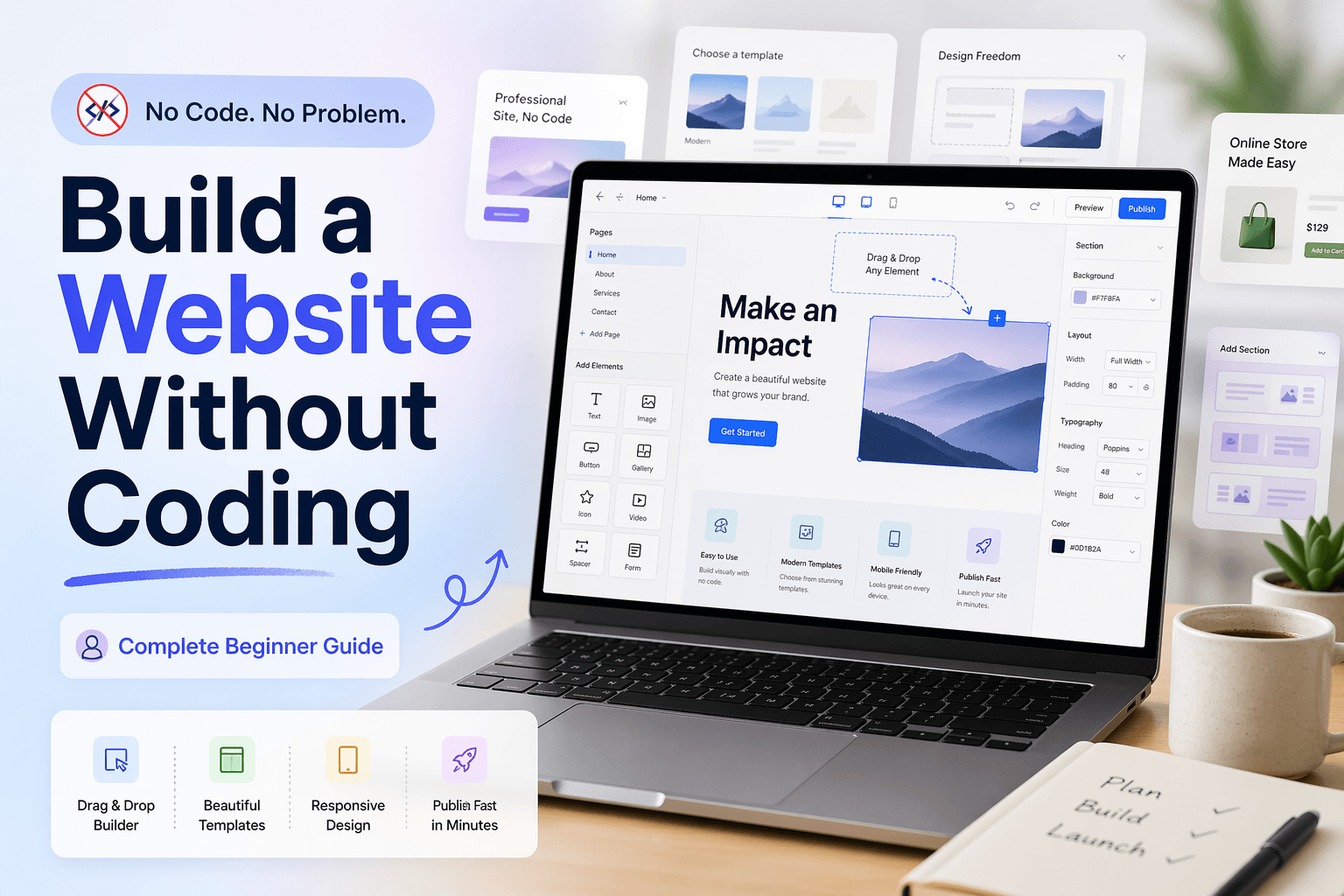
Have you ever heard about no-code websites? It sounds strange at first that it is possible to build a website without coding. Definitely it is, and the credit goes to no-code builder platforms like Webflow, Wix, Framer, Squarespace, and many more.
If you are unaware from programming languages or don’t want to hire an expensive developer to build a website, then no-code builders make it accessible for you to build a website without writing a single line of code.
Wonder how it works? Then stay connected with this guide, which is especially designed for beginners, to let them know all the basics about how to build a website without coding.
What is a No-Code Website Builder?
A no-code website simply refers to a website that is built without traditional technical languages like HTML, CSS, or JavaScript. On the other hand, a no-code website builder is a tool that simplifies the process of building a website without coding with a drag-and-drop editor and visual interfaces.
Common Uses of No-Code Builders
According to reports, 70% of new business applications will be developed by using no-code platforms, which reflects the high adaptability of these tools. Let’s have a look at some main use cases of no-code builders to make a website:
- Small and large businesses will showcase their services and products.
- Building online stores to sell and manage products easily.
- Making personal portfolios to display work for freelancers and creatives.
- Developing blogs and content websites to share articles and updates.
- Designing landing pages and service websites for marketing and bookings.
A List of 5 Best No-Code Builders to Make A Website
Here is a list of the top 5 no-code website builders that are giving you full creative freedom to make a website that meets your vision:
1: Webflow
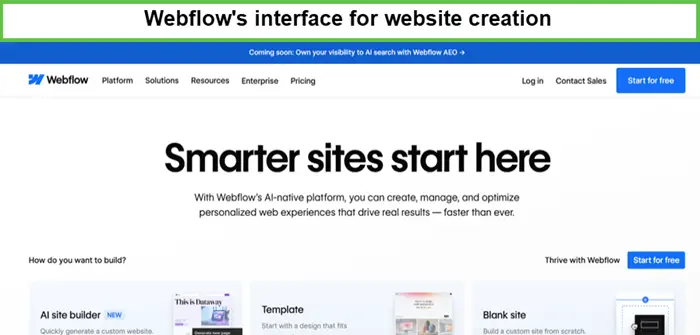
On top of the list, I place the most powerful no-code website builder, Webflow. It is the most beloved no-code tool by marketers, developers, and designers because it gives complete control over building with high-grade features.
Features – Built-in CMS and website hosting, robust template library, e-commerce functionality, professional animation tools
Drawbacks
- More complex than basic no-code builders.
- Paid plans can be expensive.
- CMS may feel complicated.
2: Framer
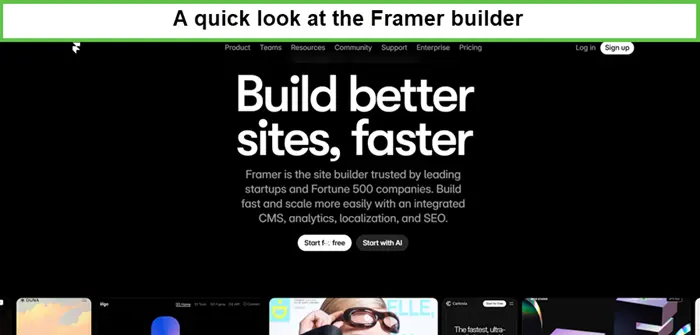
Framer is one of the top no-code website builders that lets you enjoy a Figma-like editing experience along with instant high-performance publishing, making it a perfect choice for creatives who prefer design-first workflows.
Features – Built-in hosting (on a global CDN), real-time preview, powerful scroll and entrance animations, Figma import, AI tools (Wireframer, Workshop AI).
Drawbacks
-
- Limited CMS capabilities.
- Template-dependent designs.
- Gets expensive for multiple sites.
3: WixStudio
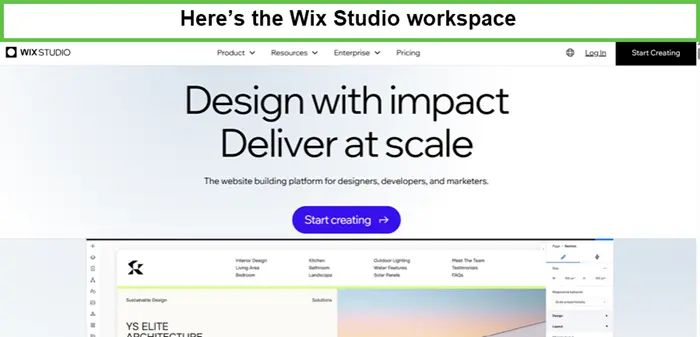
Wix is a well-known to build a website without coding, highly popular among non-technical users due to its easy-to-use and large template library. The recent branding of Editor X into Wix makes it a one-stop shop for advanced creators.
Features – Intuitive drag-and-drop editor, built-in hosting domain, email, AI website creation tool, and extensive app market.
Drawbacks
- Difficult to change the template.
- Slow performance compared to competitors.
- Advanced customization options remain limited.
4: Shopify
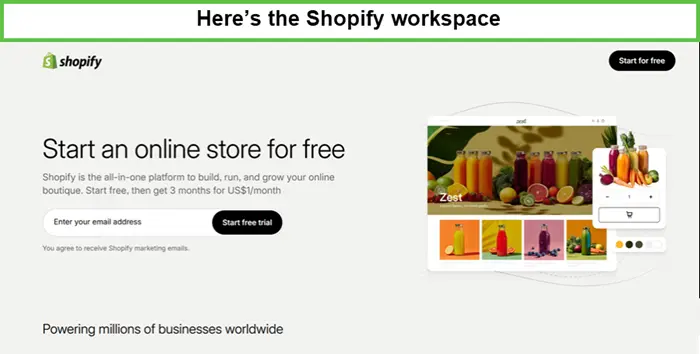
For e-commerce businesses. Shopify ranks among the most preferred and reliable no-code builders, especially for building simple sites. With its scalable features, it offers convenience in setting up a store, from managing sales to processing payments.
Features – Drag-and-drop editor, customizable templates, SEO and analytics tools, App marketplace, and POS system.
Drawbacks
-
- Expensive due to the monthly costs adding up.
- Restricted customization or functionality.
- Increase dependency on third-party apps.
5: Squarespace
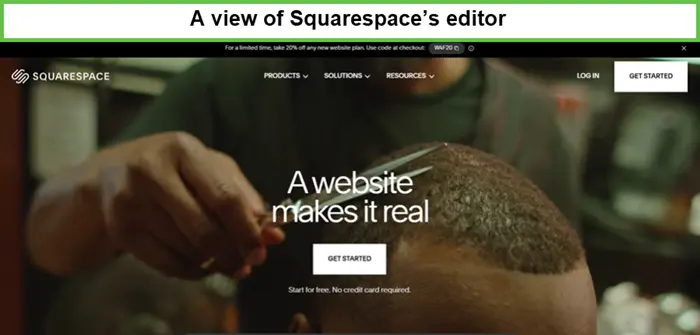
Squarespace is a highly popular no-code platform for building websites, preferred by designers, creatives, and small businesses for its professional, visually stunning templates that help create user-friendly, mobile-responsive sites.
Features – E-commerce functionality, built-in analytics, comprehensive hosting, AI website creation and content tools, centralized hub for domains and email marketing.
Drawbacks
- No free plan, only a trial is available.
- Expensive due to its advanced features.
- Limited plugins and integrations.
10 Easiest Steps to Build A Website Without Coding
Most people think that building a website is only possible for developers with coding skills, but this is not true. By following the steps below, even non-technical users can create a website without coding online.
Step 1 – Define Website Purpose
Set a clear purpose before starting, whether you are designing a website for business, blog, or portfolio, as it helps you stay focused on making effective design and content decisions.
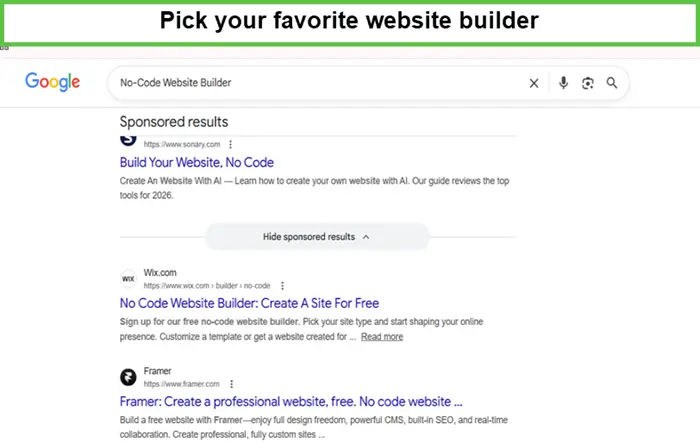
Step 2 – Select A No-Code Website Builder
Choose a no-code website builder by carefully considering all factors, like what your website will require, and then pick the plan that suits your needs and resources.
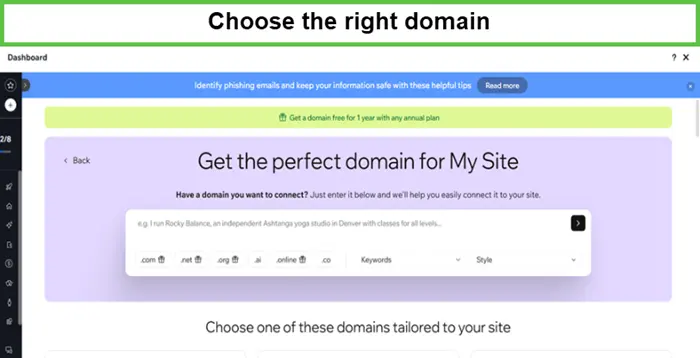
Step 3 – Securing A Domain Name
A domain represents your brand, so choose the right domain that lets your audience connect easily. Pick a name that is memorable, relevant to your website’s purpose, and easy to spell.
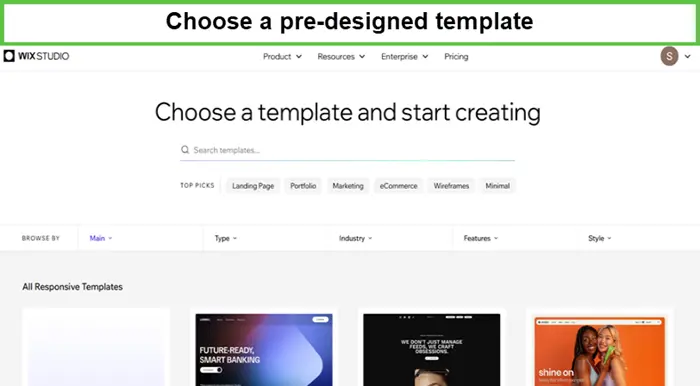
Step 4 – Choose the right template
Select a pre-designed template that matches your website’s purpose. Templates give you a ready structure so beginners can start quickly without designing from scratch.
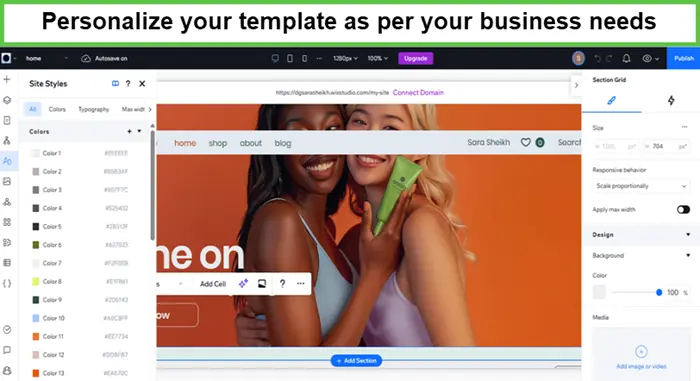
Step 5 – Customize Your Template
Use drag-and-drop tools to change text, images, colors, and layout. UX should be prioritized during customization as it guarantees a smooth customer journey.
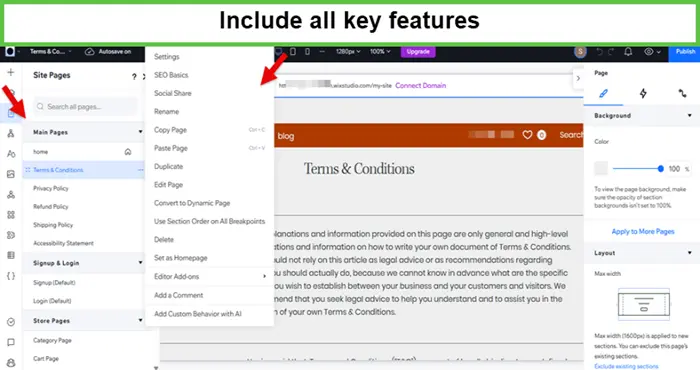
Step 6 – Add Essential Features
Add important features like contact forms, booking systems, blogs, or online store options, depending on your website type and goals.
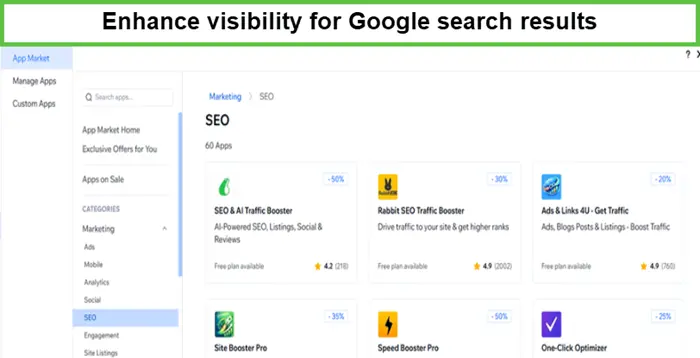
Step 7 – Optimize For Search Engines
Improve your website visibility by adding keywords, meta titles, descriptions, and SEO settings so it can rank better on Google.
Step 8 – Preview And Testing
Check your website on different devices like mobile, tablet, and desktop. Fix errors, adjust layout, and ensure everything works properly before publishing.
Step 9 – Time to Publish
Once everything is ready, connect your domain and click publish. Your website will go live and become accessible to everyone on the internet.
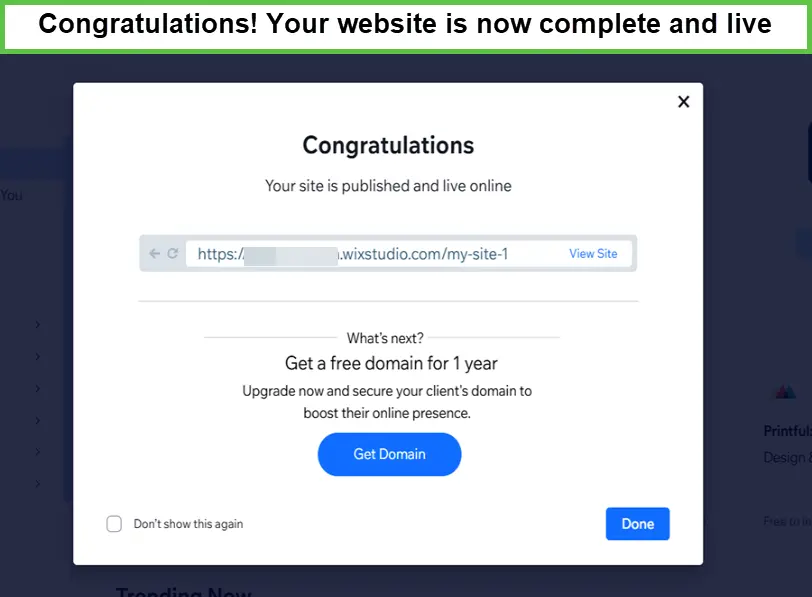
Step 10 – Maintain And Update Regularly
After publishing, keep updating content, images, and features to keep your website fresh, secure, and user-friendly for visitors.
Advantages of Using A No-Code Website Builder
Here are some key benefits of no-code builders that let you understand the reason behind their popularity:
- Instead of waiting for weeks or months for developers, allow you to build and launch a full website in a very short time.
- Hiring professional developers can be expensive, so no-code builders offer affordable monthly or yearly subscription plans.
- Simplify the update process by instantly changing text, updating images, or colors, and modifying layouts anytime.
Considerations Before Choosing No-Code Builders
Things get a little complicated when it comes to choosing the no-code builder. The right choice of best AI website builder can help you in such way without wasting your time, effort, and money.
So, don’t skip the following considerations to make a website, as it prevents your efforts from going to waste:
Ease of Use
A no-code platform that you choose must be simple and beginner-friendly, with an easy interface, drag-and-drop tools, and smooth navigation.
Flexibility and Customization
Make sure the no-code builder offers enough design freedom to modify layouts, colors, fonts, and elements according to your brand and creative needs.
Support and Documentation
Strong customer support, tutorials, and detailed guides are important so you can quickly solve issues and learn how to use features effectively.
Integration Capabilities
The platform should easily connect with other tools like payment systems, email marketing, analytics, and third-party apps for better functionality.
Pricing Models and User Reviews
Always compare pricing plans carefully, and check real user feedback to ensure affordability, reliability, and overall satisfaction.
Conclusion
To build a website without coding once seemed like climbing Mount Everest, but the rise of no-code builders has completely transformed web development. It empowers brands to create a strong digital identity, stay ahead of competitors.
FAQs
Who should use no-code builders?
Beginners, small business owners, freelancers, and anyone without technical or coding skills.
What are the tips to make a professional website without coding?
Choose clean templates, keep design simple, use quality images, and focus on user experience.
Will AI replace no-code?
AI will enhance no-code tools, but will not fully replace them anytime soon.
Can ChatGPT code a website?
Yes, ChatGPT can generate website code, but deployment still needs platforms or tools.
Is it possible to make a website without coding?
Yes, using no-code builders, anyone can easily create professional websites without programming skills.